What you get with VMS
VMS is your payment partner. We set up your restaurant POS system and the credit card processing that runs through it. Pick the plan that suits your room:
- Prime49 is for a busy restaurant. You get a monthly payout and free point of sale equipment.
- Edge, our cash discount plan, puts a cash price and a card price on the menu.
- Traditional processing, priced interchange plus, keeps one menu price. Your statement shows each cost on its own line.
Start with Prime49 if your restaurant runs $25,000 or more a month on cards. Below that, Edge and Traditional processing each need at least $10,000 a month in card sales. There is no long-term contract on any plan.
How a restaurant POS works, from order to close
Every restaurant POS does three jobs. Here is what each one looks like on a Friday night.
- The order. A server keys it on a tablet at the table, or a cashier rings it at the counter. A guest can also order online or from a QR code.
- The ticket. The order prints in the kitchen or shows on a kitchen screen. Drinks can go to the bar printer.
- The close. The guest pays, adds a tip and gets a receipt. At the end of the night, the day's card sales settle in one batch.
The systems below differ most in steps two and three. That is where a slow kitchen or a lost tip costs you.
Tips on the screen
Tips are where staff notice a bad system first. We go over how the tip gets entered, and how it gets to the right server.
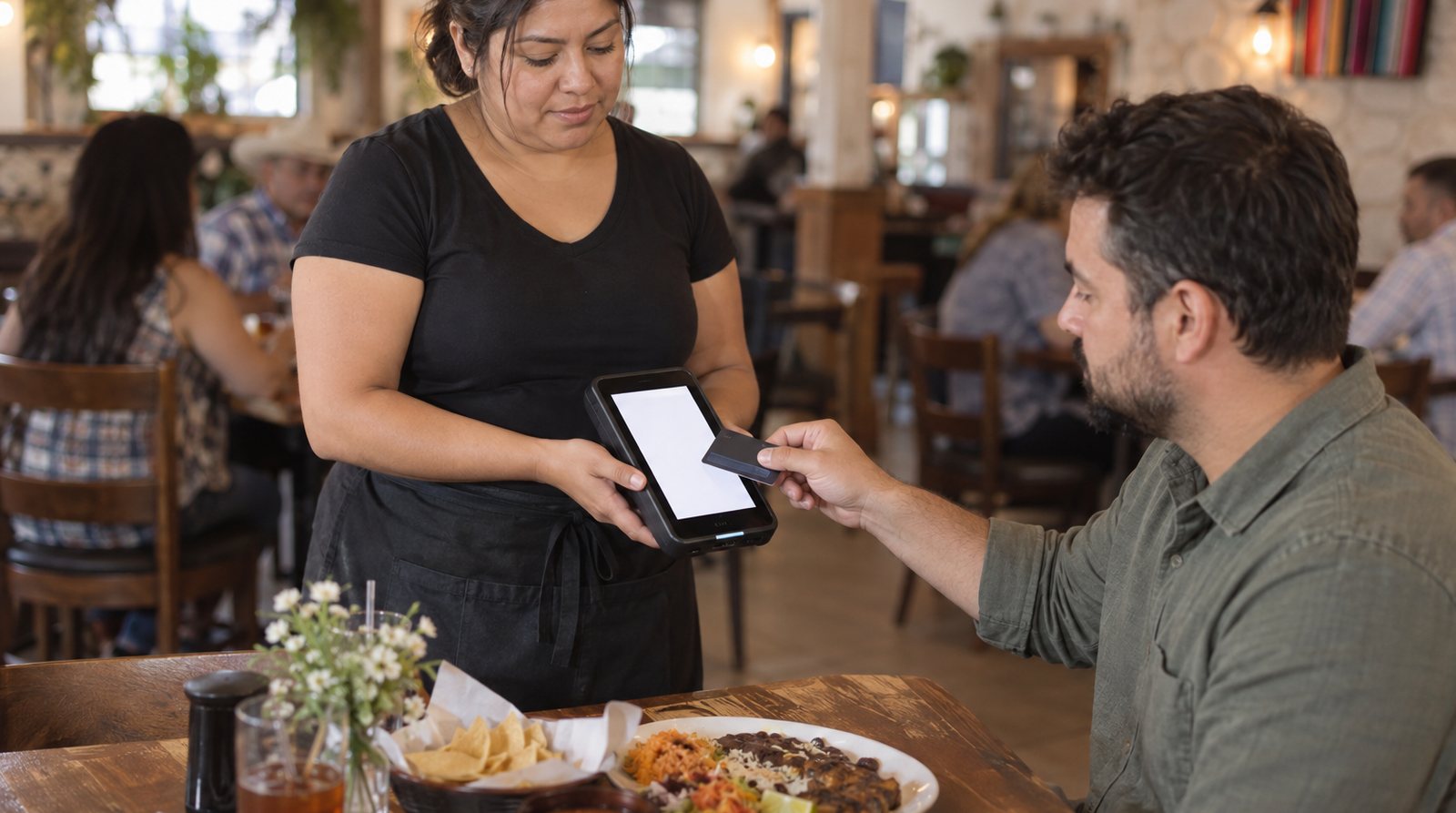
Union POS lets your staff take the order and the payment at the table on an iPhone, so the tip is entered while the guest is still seated.
Retail Cloud says its restaurant system takes tips on the screen or on paper. Hot Sauce lists gratuity and auto gratuity, plus server banking so card tips go to the right server. SoftTouch lists advance tip sharing. Paradise says its pay at the table screen prompts the guest for a tip.
Our credit card processing page for Texas restaurants has more for your trade.
Tables, seats and split checks
A full-service room needs to know which tables are taken, who ordered what, and how the party wants to pay.
Hot Sauce lists table tracking, seat numbers, split checks, split items and meal coursing. Retail Cloud says its restaurant system can merge or split tables and checks. SoftTouch lists table management, floating checks and a hostess module. Paradise says its iPad system is designed for taking orders at the table.
Kitchen tickets
The kitchen is where a missed ticket turns into a comped plate. Look at how orders get from the front to the line.
Hot Sauce lists a kitchen display, remote printing and hold and fire, so a server can send the entree after the appetizer. Retail Cloud says its restaurant system sends items to kitchen printers by category, and it also makes a kitchen display. Want online orders on the same screen as dine-in orders? Ask us.
Online orders and delivery apps
Online orders bring in sales. Two questions matter: where do orders show up, and who handles them?
Paradise has online ordering. Its restaurant page also lists links to DoorDash and Uber Eats. Hot Sauce lists online ordering for delivery, curbside and order ahead, plus QR code ordering. SoftTouch has its own online ordering and links to outside ordering apps. Retail Cloud says its restaurant system sends online orders to the kitchen.
Pay at the table
Pay at the table keeps the card in the guest's hand. Paradise says it can also turn tables faster.
Paradise says guests scan a QR code, enter the table number, and order and pay from their own phone. Hot Sauce lists order and pay at the table. SoftTouch lists its own order and pay at the table tool.
Match the system to your kind of restaurant
- Quick service and fast casual. Paradise has pages for both. SoftTouch lists counter service and drive-thru. Retail Cloud says its restaurant system is for quick service.
- Pizza and delivery. SoftTouch names pizza delivery and lists delivery mapping.
- Sit-down dining. Hot Sauce, SoftTouch and Retail Cloud each list tables and split checks.
- Food trucks. Paradise has a food truck page. Our food truck page covers taking cards on the road.
- A bar inside the restaurant. See our bar POS system guide.
What to have ready for your quote
You do not need much. A few details help us match a system to your dining room:
- How you serve: counter, table service, takeout, delivery or all four.
- How many stations, tablets or kitchen screens you want.
- Whether you take online orders today.
- A guess at what the restaurant runs on cards in a normal month.
See every system we set up on our point of sale page.
Tell us how your dining room runs, and we match a system to it.
Ask which system fits your restaurant →Not sure what fits? Answer a few questions and get a custom plan.