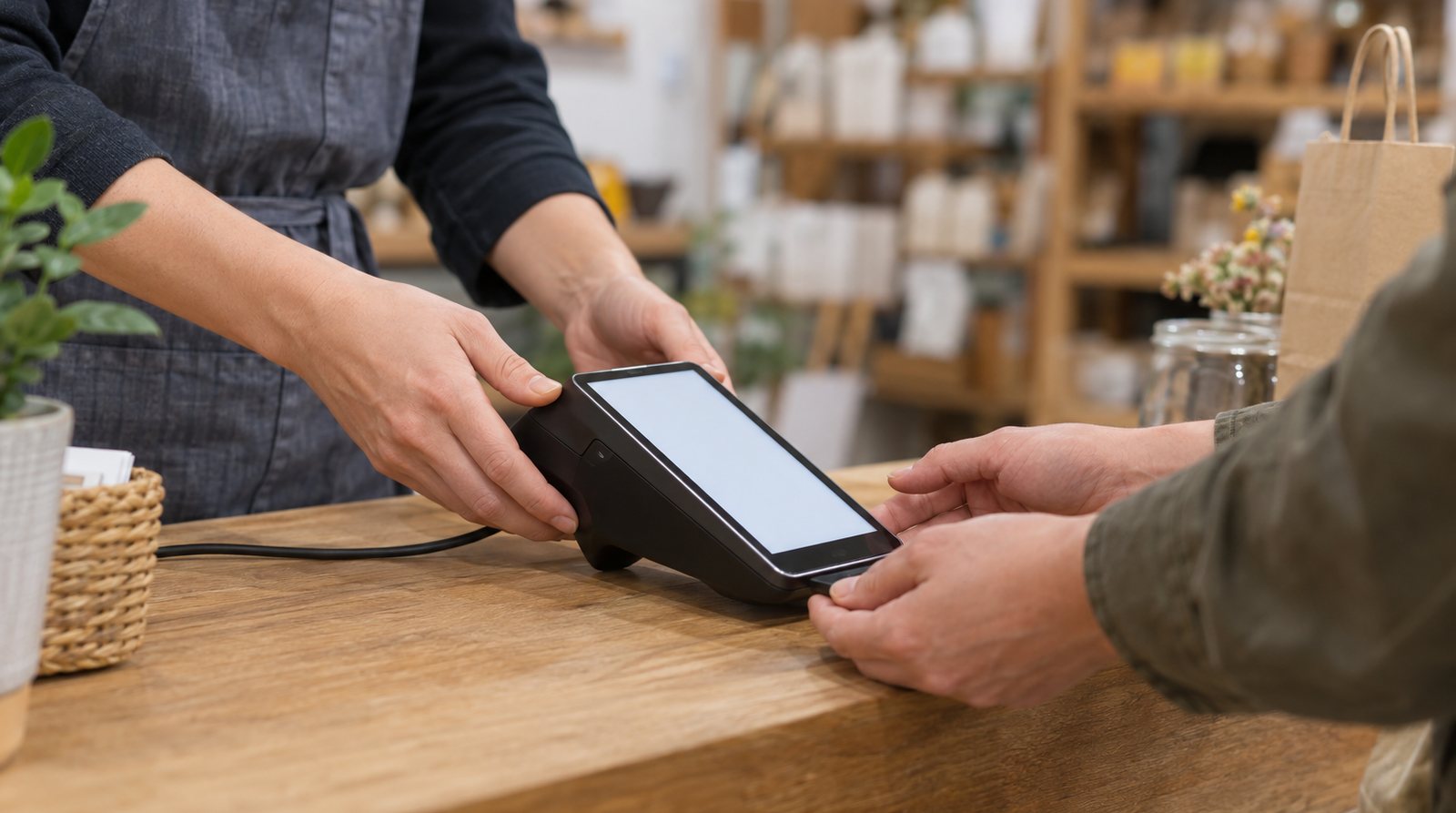
What is a credit card terminal?
A credit card terminal is the machine that takes a card payment. Your customer inserts the chip, swipes or taps. The terminal sends the sale to be approved, then prints or sends a receipt.
Terminals come in three shapes. A countertop terminal sits by the register and plugs in. A handheld goes to the table, the curb or the job site. A pocket-size one is about as big as a phone.
Compare the terminals
These are the terminals we set up, side by side.
| Terminal | Type | Screen | Connects by | Printer | A good fit if |
|---|---|---|---|---|---|
| Valor VL100 | Countertop | 3.5-inch touchscreen, plus keys | Ethernet | Built in | You take cards at one counter. |
| Valor VL110 | Handheld | 3.5-inch touchscreen, plus keys | WiFi and 4G | Built in | You take the terminal to the table or the curb. |
| Valor VL500 | Handheld, Android | 5.5-inch touchscreen | 4G, WiFi and Bluetooth | Built in | You want a big screen and apps on a handheld. |
| Dejavoo QD4 | Countertop, Android | 5.5-inch touchscreen | Ethernet and WiFi | Built in | You want a big screen at the counter. |
| Dejavoo QD2 | Handheld, Android | 5.5-inch touchscreen | 4G and WiFi | Built in | You work away from the counter, or on the road. |
| Dejavoo QD3 | Pocket size, Android | 4-inch touchscreen | WiFi, Bluetooth or 4G, by version | None listed | You want the smallest one, or a keypad the customer holds. |
| Dejavoo P8 | Handheld, Android | 6.5-inch touchscreen | 4G and WiFi | Built in | You want the biggest screen in a handheld. |
| Dejavoo Z8 | Countertop | 2.4-inch color screen, plus keys | Ethernet and WiFi | Built in | You want a simple terminal with real keys at one counter. |
| Ingenico Move/3500 | Handheld | 3.2-inch touchscreen, plus keys | 4G, WiFi or Bluetooth, by version | Built in | You like real keys on a small terminal. |
| Ingenico Axium DX8000 | Handheld, Android | 5.5 or 6-inch touchscreen, by version | 4G, WiFi and Bluetooth | Built in | You want an Android handheld with a large screen from Ingenico. |
Specs come from each maker's own spec sheets, read in November 2026. Versions differ, so your quote names the exact model and how it connects.
Which terminal fits your business?
Start with where the customer pays.
- At one counter. A countertop terminal: the Valor VL100 or the Dejavoo QD4. The QD4 has the bigger screen. The VL100 has real keys.
- At the table or the curb. A handheld: the Valor VL110 or VL500. Both are built for paying at the table and can split a bill.
- At the customer's place. A wireless terminal with 4G: the Dejavoo QD2 or the Valor VL110. The pocket-size Dejavoo QD3 is the lightest to carry.
- You scan barcodes. The Dejavoo QD line. Each one has a scanner built in.
- You like real keys. The Valor VL100 and VL110, the Dejavoo Z8 and the Ingenico Move/3500 have a keypad under the screen.
Not sure? Tell us how customers pay you today, and we match the terminal to it.
Valor terminals
Three terminals: one for the counter and two handhelds. All three show the full sale on the screen and take a signature on it.
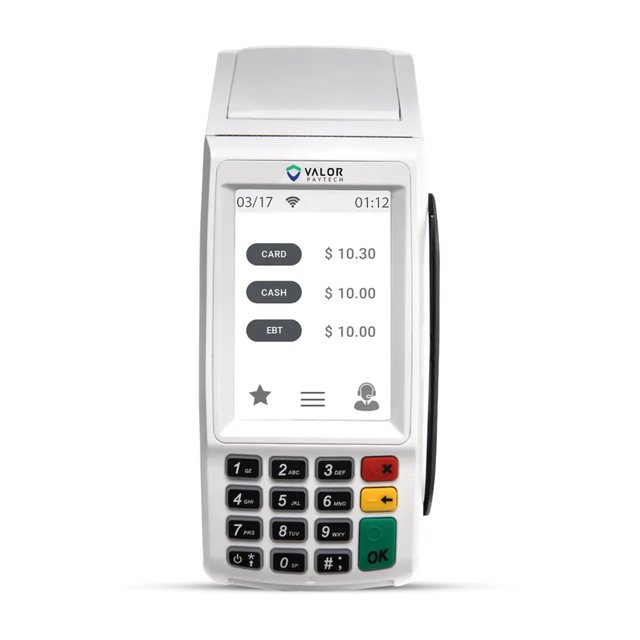
Valor VL100 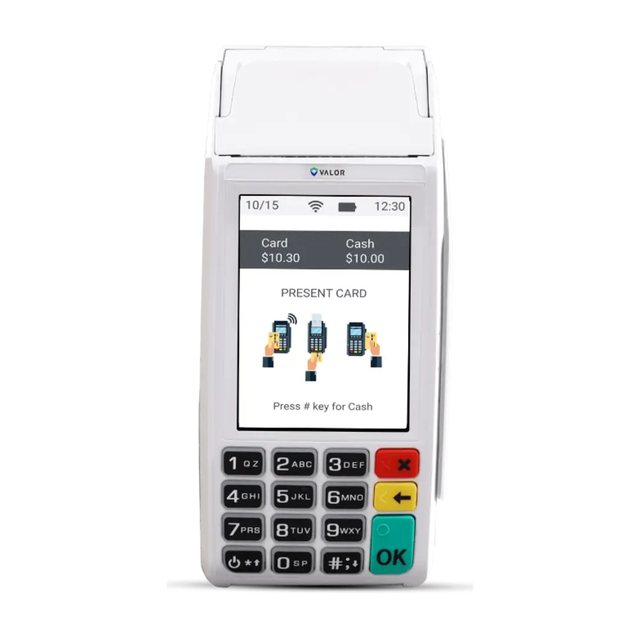
Valor VL110 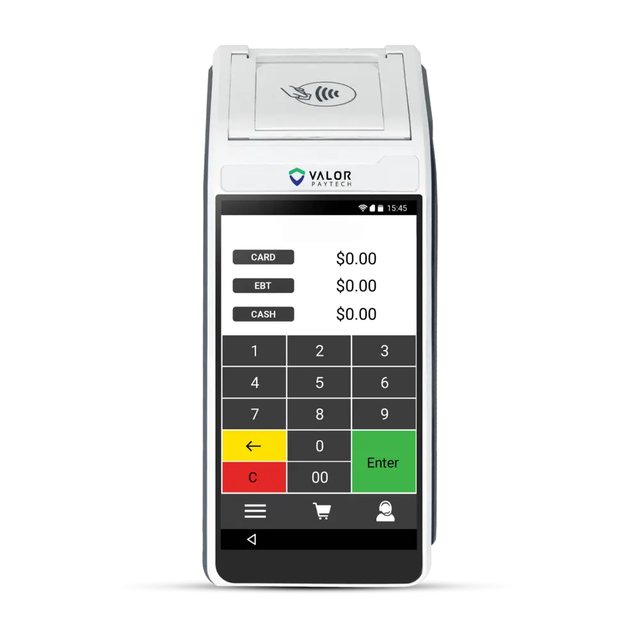
Valor VL500
- Valor VL100. Countertop. You take cards at one counter.
- Valor VL110. Handheld. You take the terminal to the table or the curb.
- Valor VL500. Handheld, Android. You want a big screen and apps on a handheld.
Dejavoo terminals
Five terminals. Four run Android with a touchscreen: one for the counter, two wireless and one that fits in a pocket. The Z8 is a simple counter terminal with real keys.
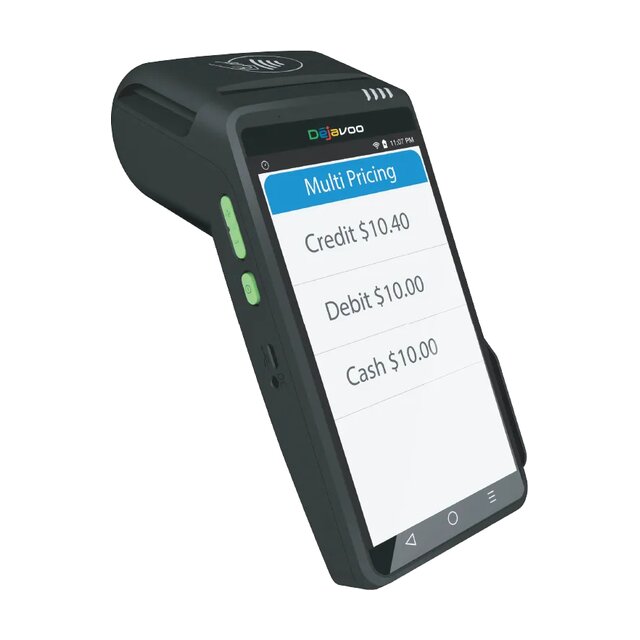
Dejavoo QD4 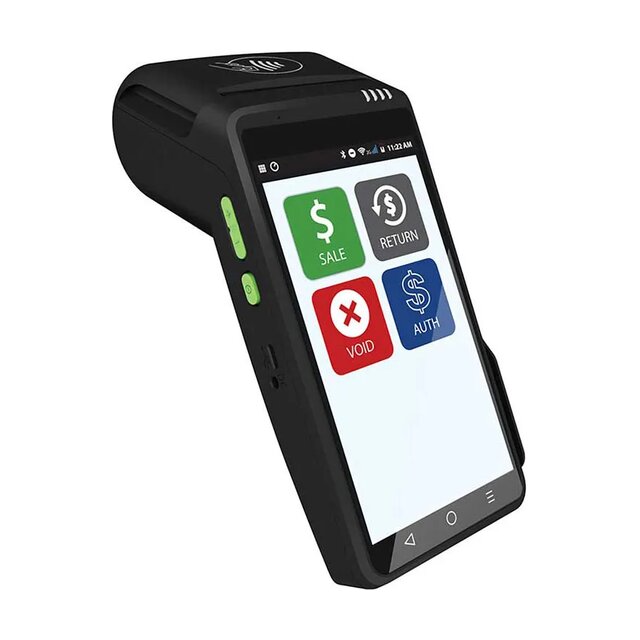
Dejavoo QD2 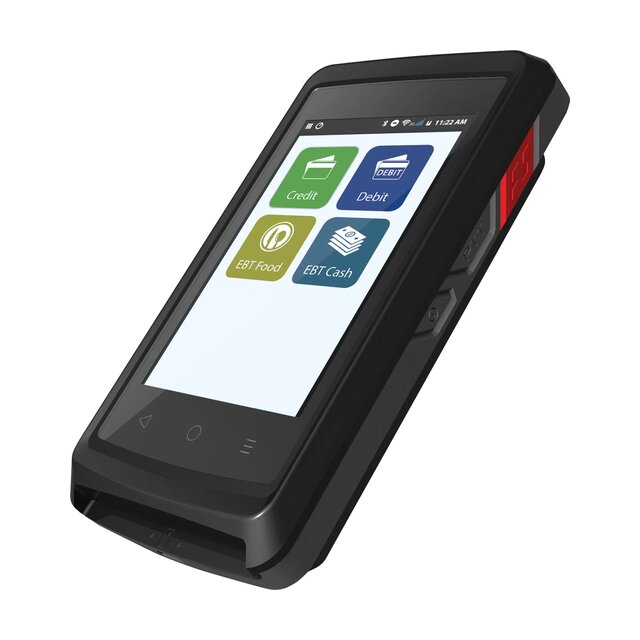
Dejavoo QD3 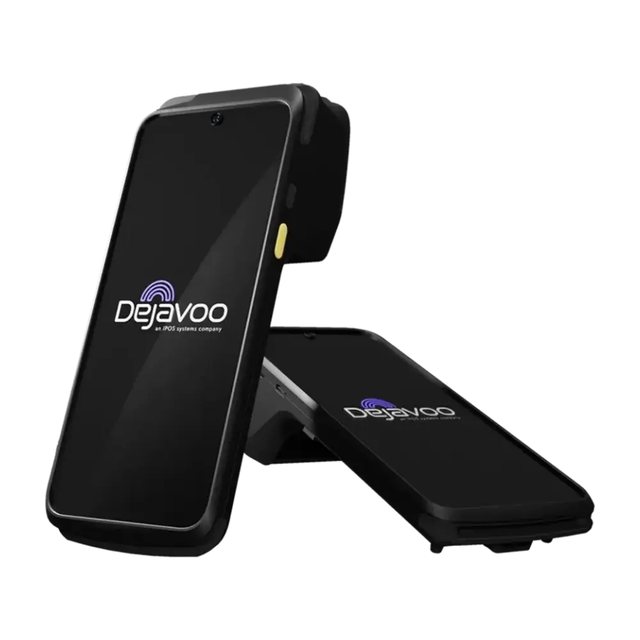
Dejavoo P8 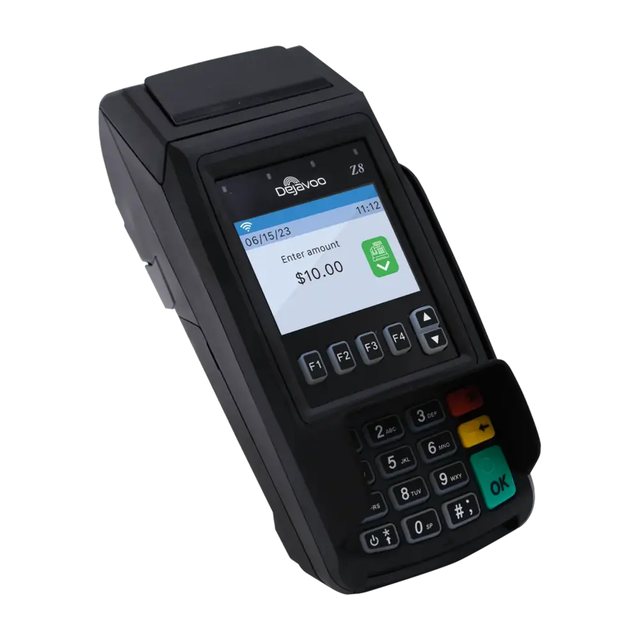
Dejavoo Z8
- Dejavoo QD4. Countertop, Android. You want a big screen at the counter.
- Dejavoo QD2. Handheld, Android. You work away from the counter, or on the road.
- Dejavoo QD3. Pocket size, Android. You want the smallest one, or a keypad the customer holds.
- Dejavoo P8. Handheld, Android. You want the biggest screen in a handheld.
- Dejavoo Z8. Countertop. You want a simple terminal with real keys at one counter.
Ingenico terminals
Two handhelds: one with real keys and a fast printer, and one that runs Android with a large touchscreen.
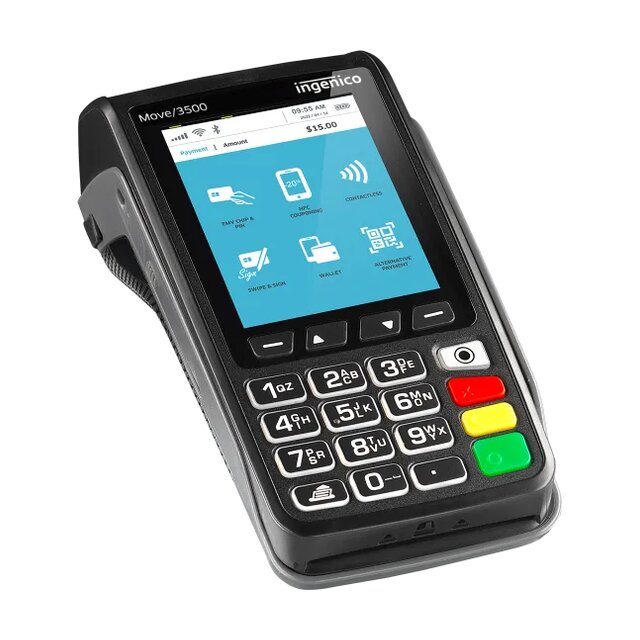
Ingenico Move/3500 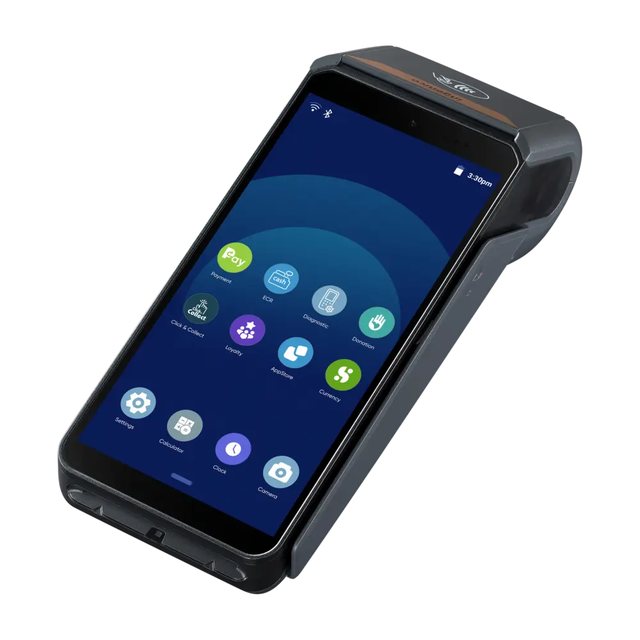
Ingenico Axium DX8000
- Ingenico Move/3500. Handheld. You like real keys on a small terminal.
- Ingenico Axium DX8000. Handheld, Android. You want an Android handheld with a large screen from Ingenico.
Is a terminal enough, or do you need a point of sale system?
A terminal takes the payment. A point of sale system also tracks items, tables, staff and stock.
- A terminal is enough. Plumbers, electricians and contractors. Solo salons and barbers. Market stands. Dental and medical offices.
- A full point of sale system. Restaurants, quick service, bars, auto repair, convenience and liquor stores, gyms, and salons with several staff.
- It depends. Food trucks and small shops. A short menu or a few items: a terminal. A long menu or hundreds of items: a point of sale system.
See the point of sale systems we set up. If you get paid by invoice, you may not need a machine at all: a virtual terminal runs in a web browser.
What comes with a terminal from VMS
- Free equipment. Every VMS plan comes with it. Your plan and your monthly card sales decide how much you get, and your quote lists it.
- Setup. We set up your terminal, and nothing goes live until you approve it.
- Help 24/7. Call any time, day or night.
- No long-term contract. No setup fee and no cancellation fee.
A terminal needs an account behind it. Our credit card processing page covers the plans and every way to take a card.
Payanywhere smart devices
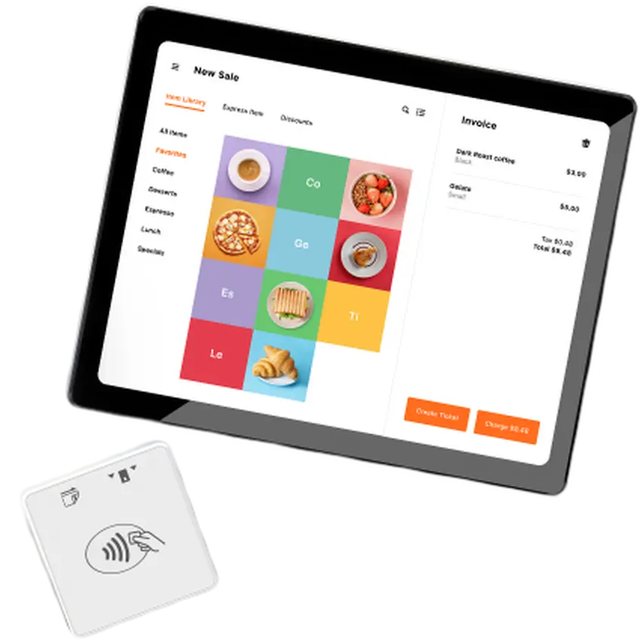
We also set up Payanywhere smart devices: Smart Flex, Smart POS, Smart Terminal Mini, Smart Terminal Pro and a 3-in-1 reader. They run Android and take chip, swipe and tap. A built-in camera scans barcodes. Ask about them in your quote.
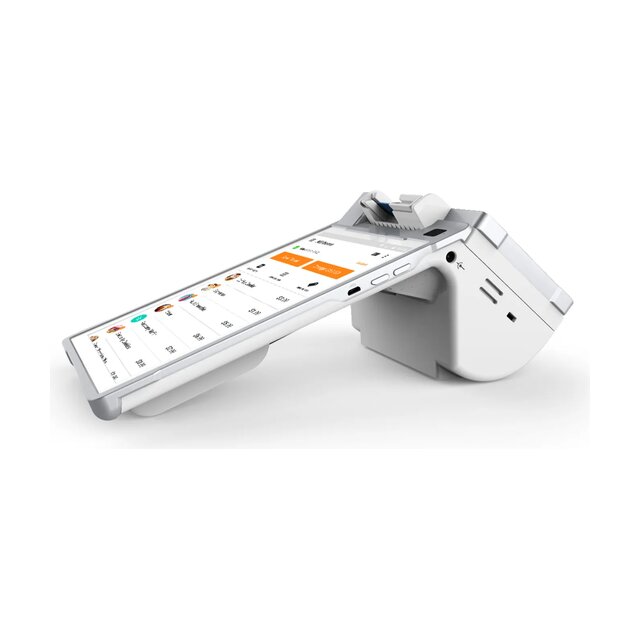
Smart Flex 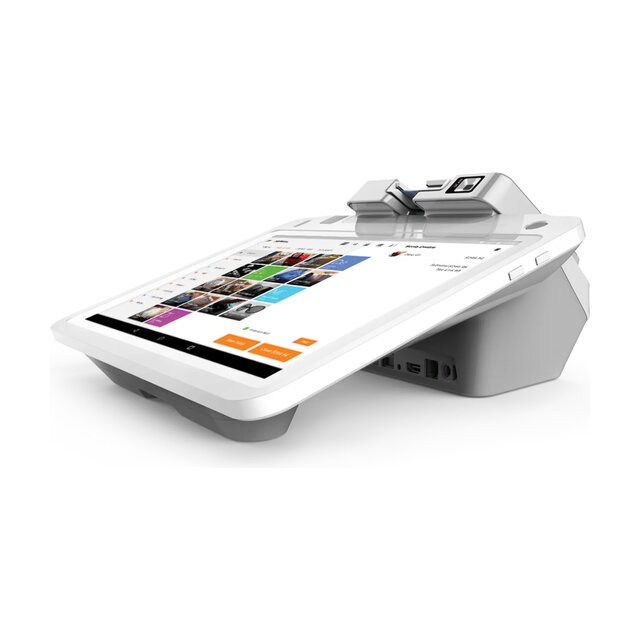
Smart POS 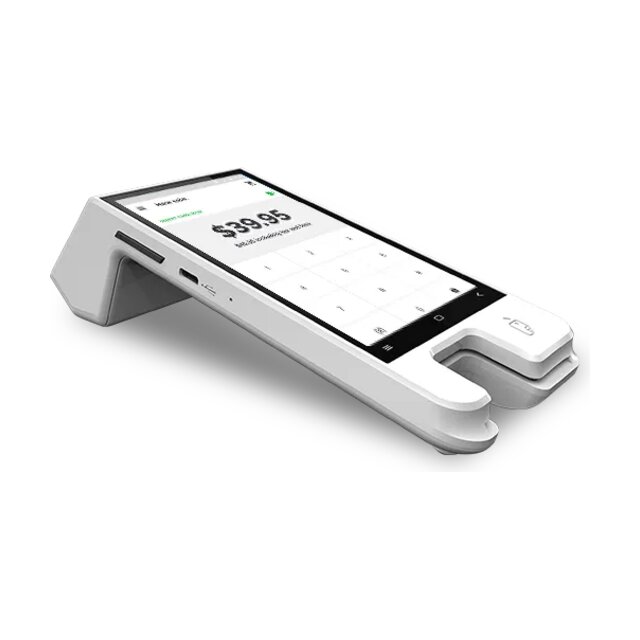
Smart Terminal Mini 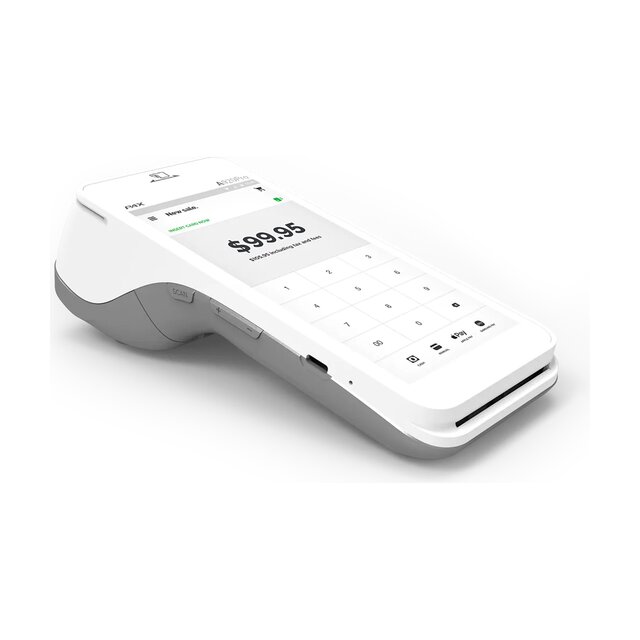
Smart Terminal Pro 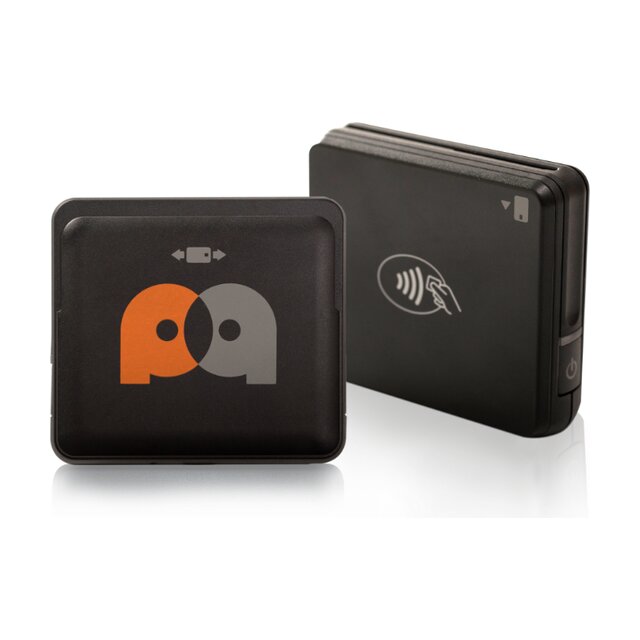
3-in-1 reader
Tell us how you take cards today. We show you the terminal that fits.
Get your free quote →Not sure what fits? Answer a few questions and get a custom plan.